Authentication should be accessible by design.
Sensivo treats multi-factor authentication as part of accessibility. Instead of forcing every user through the same login method, the system can adapt authentication through voice, visual prompts, braille, haptics, trusted devices, and human recovery options.
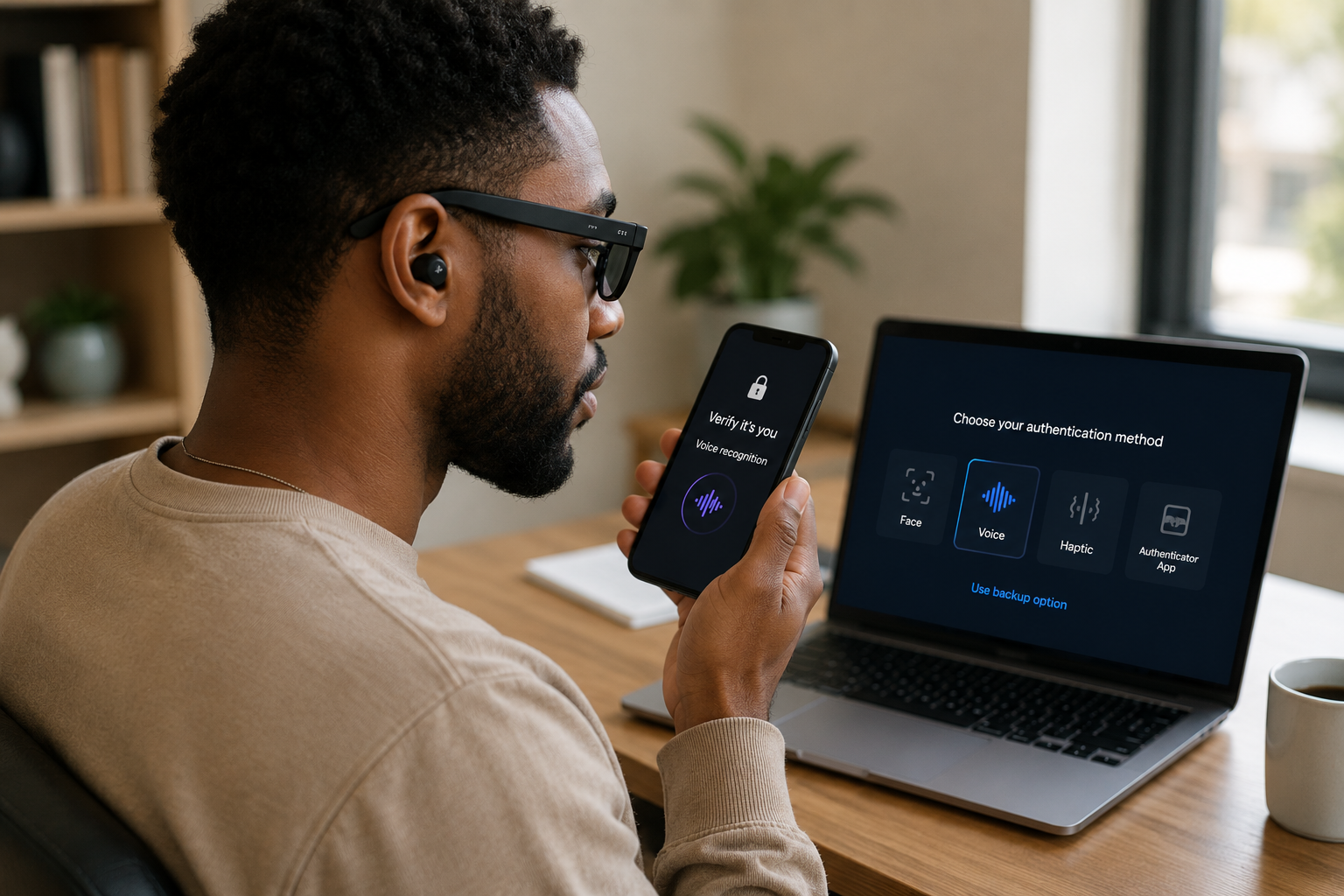
MFA should adapt to the user, not the other way around.
Many MFA systems assume users can see tiny codes, hear phone calls, respond quickly, use both hands, or complete CAPTCHAs. These assumptions can create barriers before users even access the service.
A multimodal approach gives users more than one way to authenticate based on their accessibility profile and situation.
Sensivo approach
Users choose a primary access mode, a backup access mode, and an emergency recovery option. The platform then changes the login experience automatically.
Three layers of accessible login.
A stronger system can reduce unnecessary friction while still protecting accounts.
1. Primary Access Mode
Users can authenticate through the method that works best for them.
- Voice confirmation
- Visual approval prompts
- Braille or haptic output
- Passkeys or trusted devices
2. Backup Access Mode
If one method is not available, the system can offer another accessible option.
- Secondary device approval
- Smartwatch vibration
- Captioned alerts
- Alternative confirmation flow
3. Human Recovery
Recovery should also be accessible, especially during urgent situations.
- Trusted contacts
- Caregiver workflows
- Recovery kits
- Emergency accessibility mode
Accessible security should be built from the ground up.
Multimodal MFA can make security more inclusive by giving users safer, clearer, and more accessible ways to verify identity.
Return to Home